Earn 30% of every payment you refer, for life
Tell your audience about Beat2Cut Desktop, which blurs faces and plates on your own computer, and Beat2Cut Pro. Creem tracks every sale and pays you directly.
Uses your free Beat2Cut account. Or apply directly on Creem
What you can earn
The rate is 30% of each payment, and it keeps going for as long as the person you referred keeps paying.
30% for life
You earn 30% of every payment from each customer you refer, not just the first one.
One monthly referral
Pro is $20 a month, so one monthly subscriber earns you $6 a month.
One lifetime referral
Lifetime Pro is a $200 one-time payment, so one lifetime customer earns you $60 once. The lifetime plan is only sold during limited offers.
Examples use list prices.
How you get paid
Paid by Creem
Creem tracks sales and pays you directly. We do not handle your money.
1st and 15th
Payouts go out on the 1st and 15th of each month.
From $50
You can withdraw once your balance reaches $50 and you have verified your identity with Creem.
180 days to count
A purchase within 180 days of someone clicking your link counts for you.
Refunds
If a customer is refunded, the commission on that payment is reversed.
Who it suits
Creators whose videos often show passers-by, license plates or personal details.
Dashcam channels
Footage with strangers' faces and license plates, before it goes online.
Street photographers and vloggers
Blur people in public places without uploading your footage.
Journalists and documentary makers
Protect sources and bystanders on your own computer.
Real-estate video
Hide neighbours, plates and house numbers in listing videos.
Tutorial creators
Clean up talking-head recordings and split long clips by shot.
How to join
- 1
Apply
Click Apply to join while signed in to Beat2Cut. Creem emails you an invitation to the program.
- 2
Get your code
Accept the invitation. Creem then gives you a referral link with your code, which looks like AFF followed by letters and numbers.
- 3
Share
Share your Creem link, or use the short link below.
Your short link
Put the code Creem gave you after beat2cut.com/r/. When someone signs up through it, we save your code on their account. If they later pay in another browser, or upgrade from the desktop app, it still counts for you.
beat2cut.com/r/YOUR-CODEMaterials
Use these as they are.
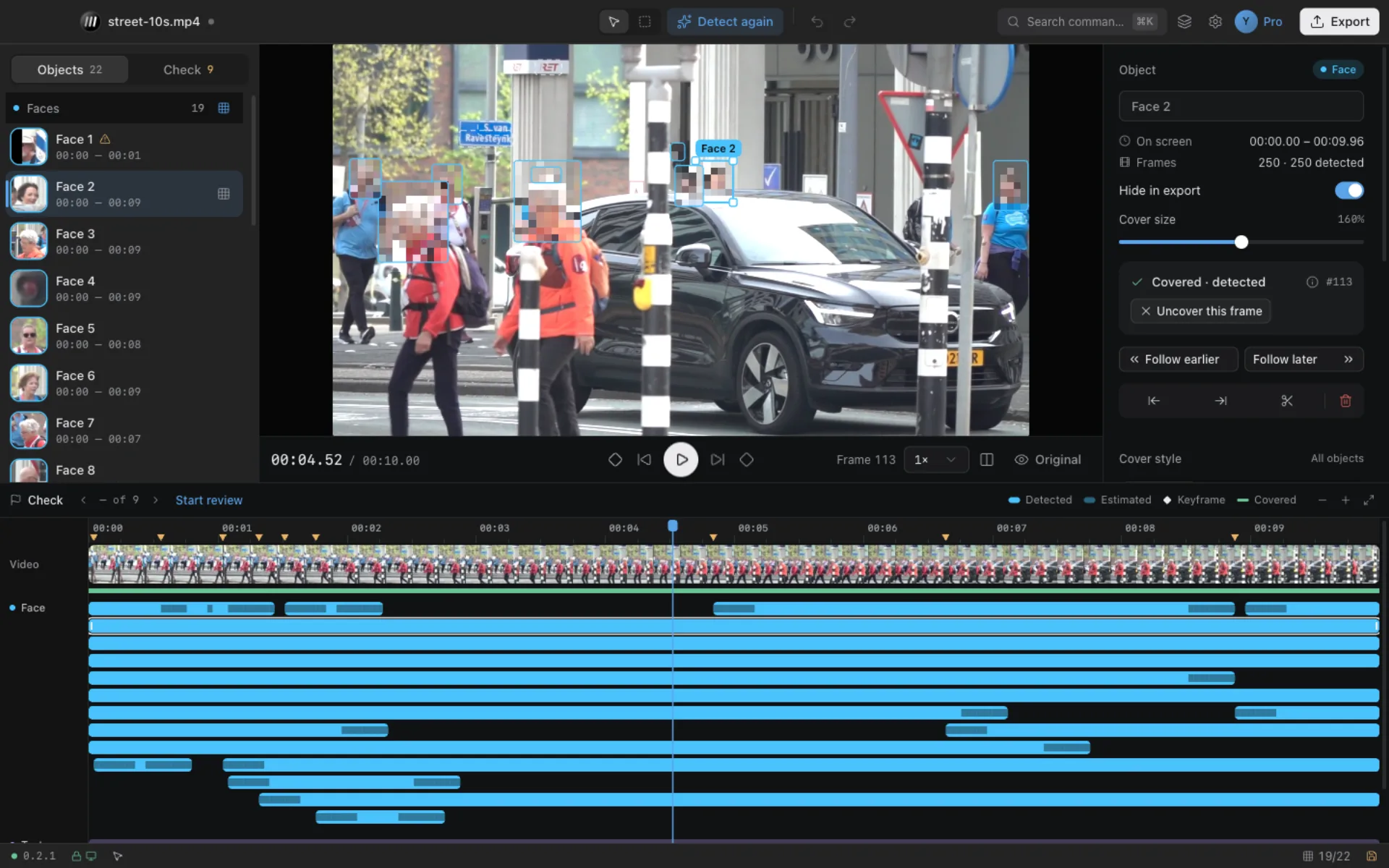
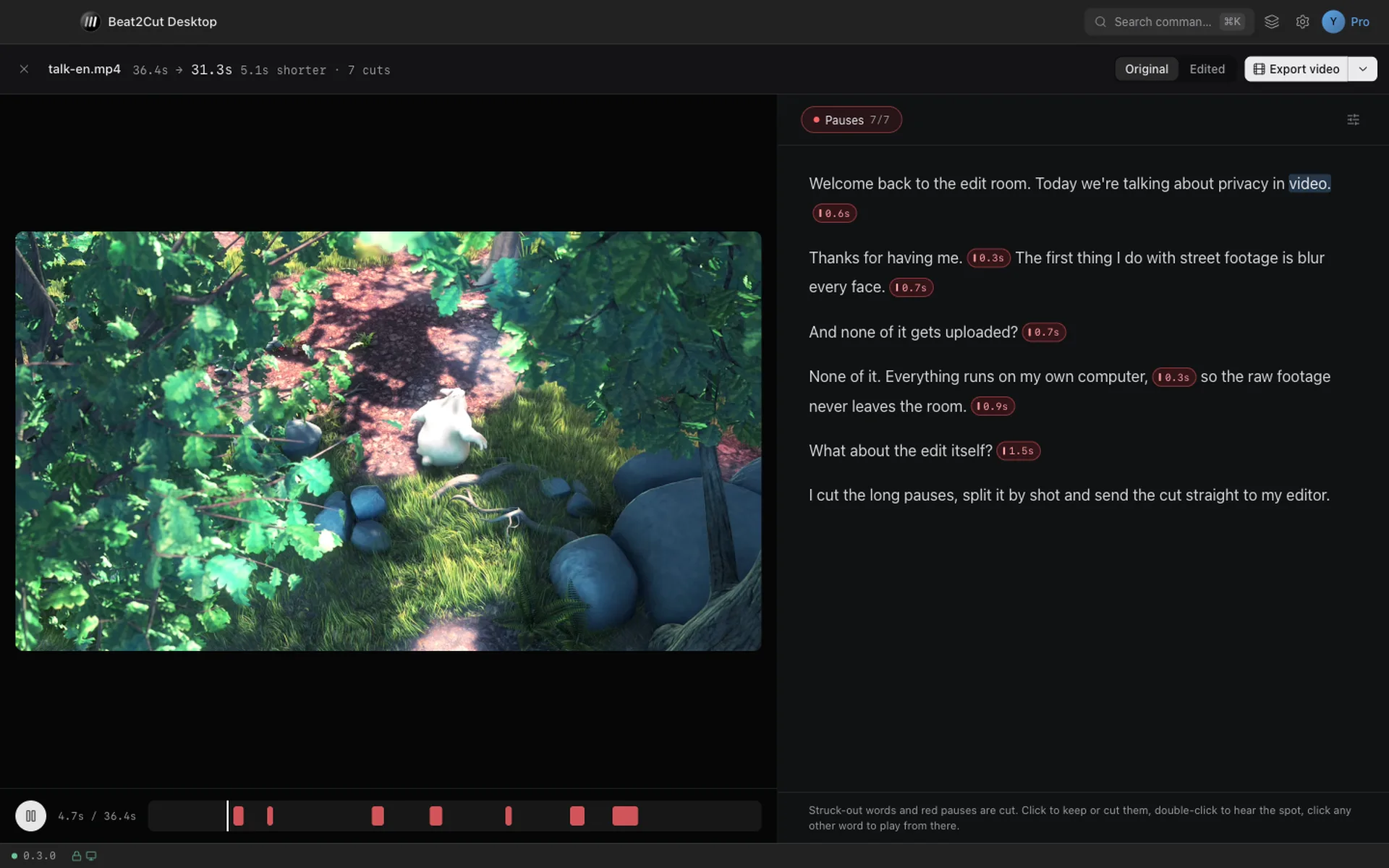
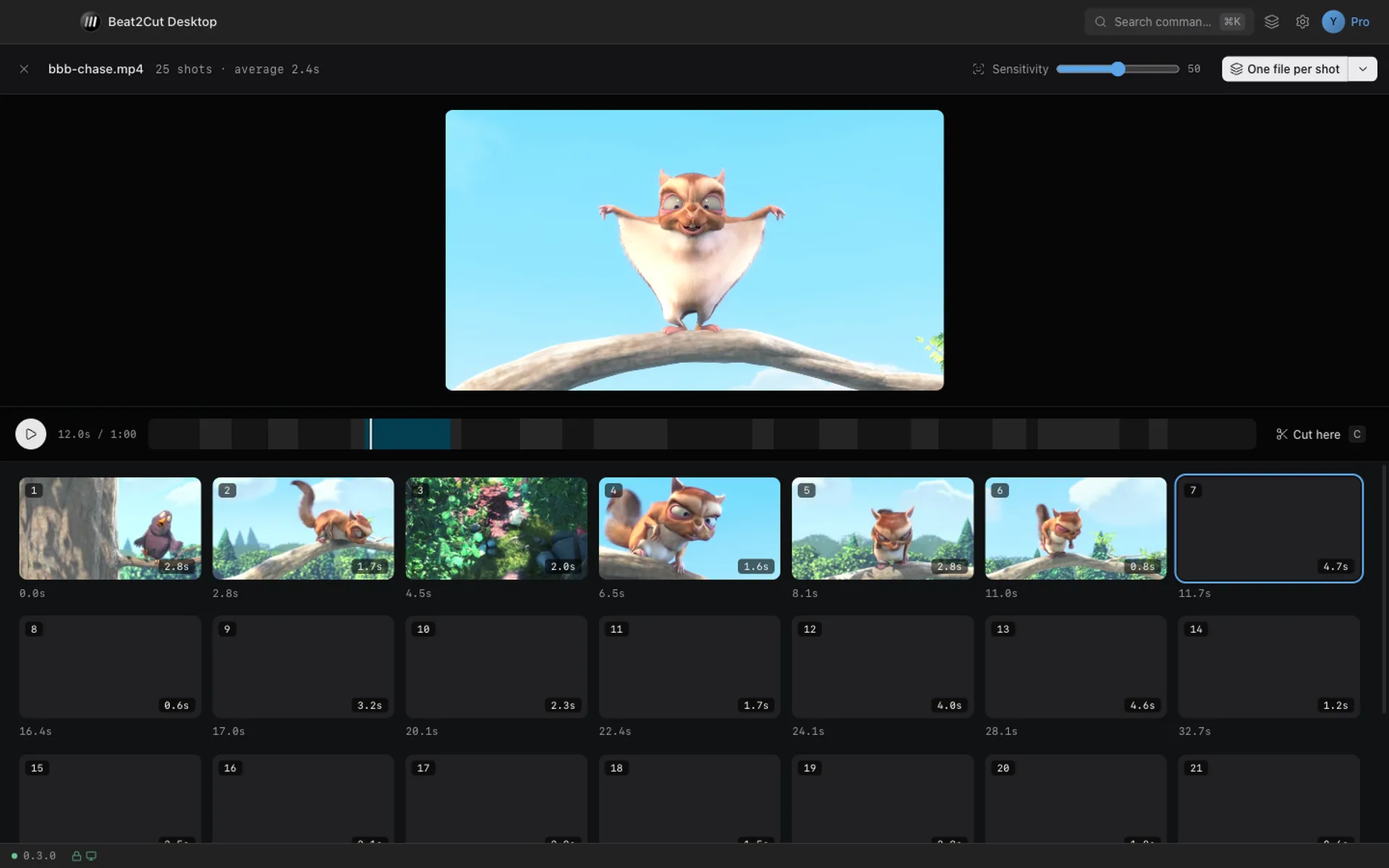
App screenshots
Videos
Walkthroughs of the browser tools on YouTube.
- Scene detection in the browser
- Remove pauses with a list you can review
- Beat detection and cut-to-beat
- See the before and after of blurring on the Desktop page
Copy you can paste
Replace YOUR-CODE with your code. Say that the link is an affiliate link.
I blur faces and license plates in my footage with Beat2Cut Desktop. It runs on my own computer, so the video never uploads. Free to download: beat2cut.com/r/YOUR-CODE (affiliate link)
Tool I use in this video: Beat2Cut Desktop. It finds faces and plates, lets you check each one, and exports the blurred video, all offline. Download it here: beat2cut.com/r/YOUR-CODE (affiliate link, it earns me a commission at no cost to you)
If you publish footage with strangers in it, Beat2Cut Desktop is worth a look. It detects faces and plates on your computer, you review the list, and it exports the video with them blurred. It can also clean up filler words and split a long clip by shot. Link (affiliate): beat2cut.com/r/YOUR-CODE
Rules
Say it is an affiliate link
Mark every post, video and email that carries your link as a referral.
No ads on our brand name
Do not bid on Beat2Cut or its misspellings in paid search.
No self-referral
Buying through your own link does not count.
No spam
No unsolicited messages, comment floods or fake reviews.
Refunds reverse commission
A refunded payment earns no commission.
Ready to start?
You apply with your Beat2Cut account, and Creem emails you the invitation.
Uses your free Beat2Cut account. Or apply directly on Creem